Best Budget Laptops in the Philippines Under ₱30,000 (2026)
The ₱30,000 laptop market in the Philippines is better than it has ever been. AMD’s budget processors forced Intel to compete on price, which means you now get 1080p displays, SSDs, and real battery life at price points that were out of reach three years ago.
These five picks cover the best value at different needs and budgets.
What to Look For Before You Buy
Processor: AMD Ryzen 5 outperforms most Intel Core i3 and comparable i5 chips at the same price in this segment. Avoid Celeron and Pentium — those processors will feel sluggish within a year.
RAM: 8GB is the minimum. 16GB is better if your budget allows. Avoid laptops with soldered RAM at 8GB — no upgrade path.
Storage: 512GB SSD minimum. A hard disk drive (HDD) makes even a modern processor feel slow. SSD only.
Display: 1080p full HD minimum. Anything lower looks noticeably soft on a 15-inch screen.
Battery: Real-world battery life matters more than the manufacturer claim. Aim for 5–6 hours in actual use, not the 10+ hours printed on the box.
Watch Out For Laptops listed with “up to 256GB” storage or “up to 4GB RAM.” Always check the exact specs of the specific variant you’re buying, not just the model name. The same model often ships with different configurations.
1. Acer Aspire 3 (AMD Ryzen 5) — Best Overall
Price range: ₱24,000 – ₱28,000 Processor: AMD Ryzen 5 (5000 or 7000 series depending on stock) RAM: 8GB (upgradeable) Storage: 512GB SSD Display: 15.6-inch 1080p
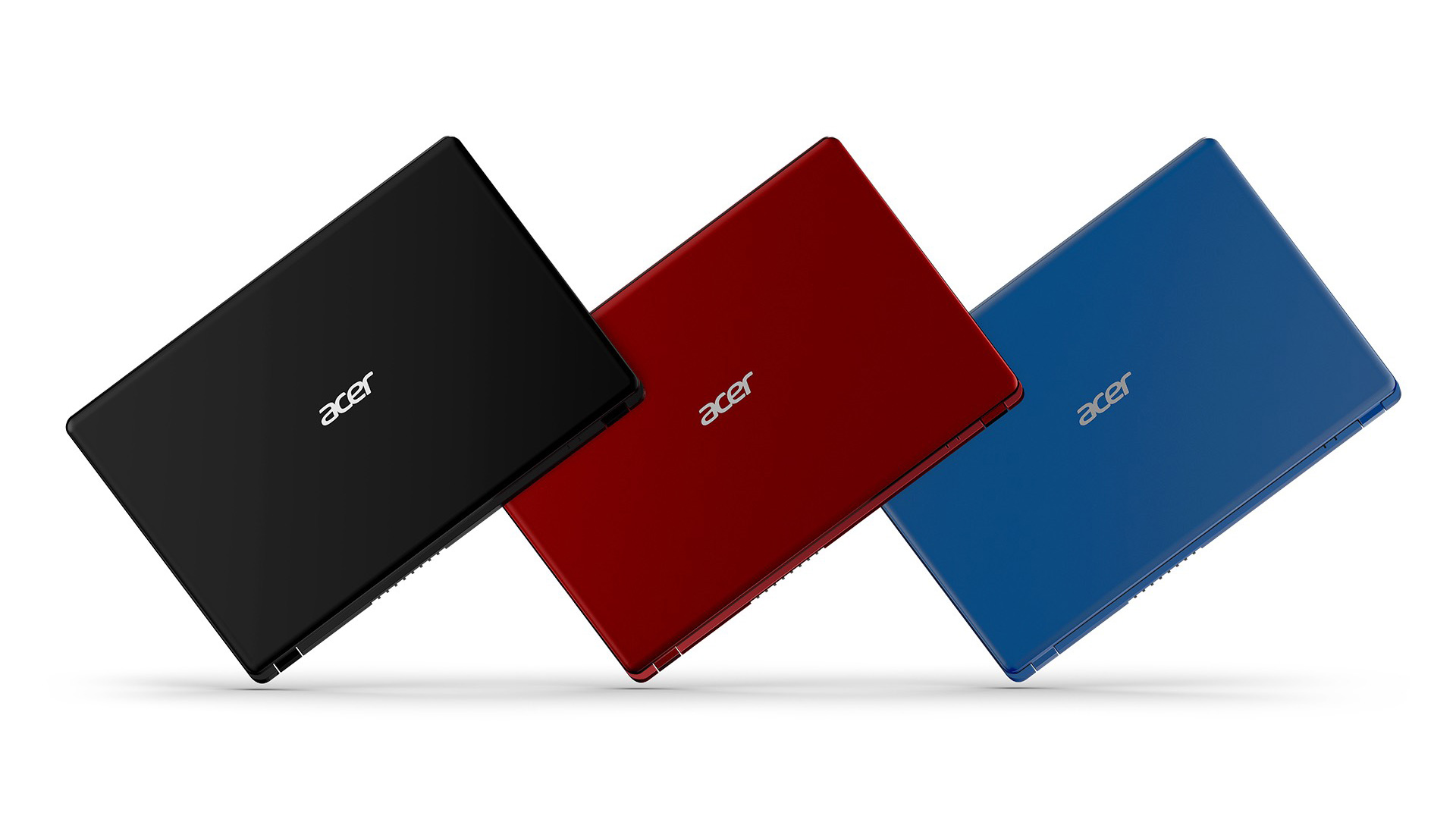
The Aspire 3 is the benchmark every other budget laptop gets measured against. Acer keeps costs down by skimping on aesthetics — the plastic chassis flexes and looks basic — but the core specs are solid for the price.
The Ryzen 5 variant handles Office, light photo editing, Zoom calls, and casual gaming without complaint. The 8GB RAM slot is accessible; a ₱1,000–₱2,000 stick from Shopee brings it to 16GB. Battery life runs 5–7 hours in real use, which covers a full school or office day.
Where it loses: The display is mediocre for an IPS panel — colors wash out on anything visually demanding. Not the pick for photo or video work.
Bottom line: The safe, reliable everyday laptop for students and office workers who need competence over looks.
2. Lenovo IdeaPad Slim 3 — Best for Students
Price range: ₱26,000 – ₱30,000 Processor: AMD Ryzen 5 (7000 series) RAM: 8GB Storage: 512GB SSD Display: 15.6-inch 1080p IPS
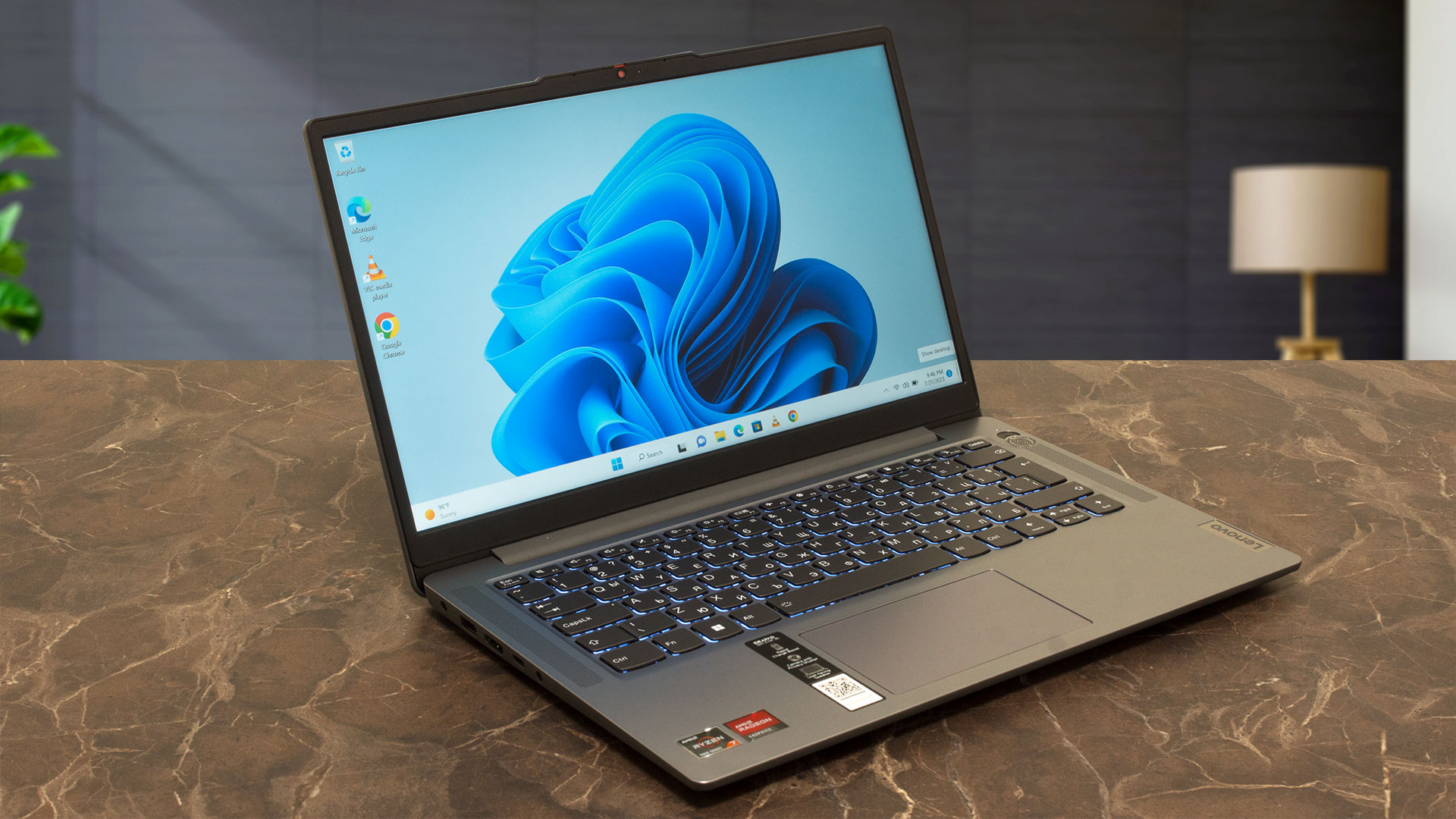
The IdeaPad Slim 3 trades some upgrade flexibility for a noticeably better build. The chassis is more rigid, the keyboard has more travel, and the display handles color better than the Aspire 3.
For students who write long papers and spend hours in online classes, typing comfort and display quality matter more than the spec-sheet differences between this and the Aspire 3.
Lenovo’s service center network in the Philippines is wide — a meaningful factor when something goes wrong outside Metro Manila.
Where it loses: Battery life is average for this category. Expect 5–6 hours, not the 8+ that Lenovo marketing suggests.
Bottom line: The best typing experience in this price range. If you spend most of your time writing or taking notes, this is the pick.
3. ASUS VivoBook Go 15 — Best Display
Price range: ₱22,000 – ₱27,000 Processor: AMD Ryzen 3 or Ryzen 5 depending on variant RAM: 8GB Storage: 512GB SSD Display: 15.6-inch 1080p IPS
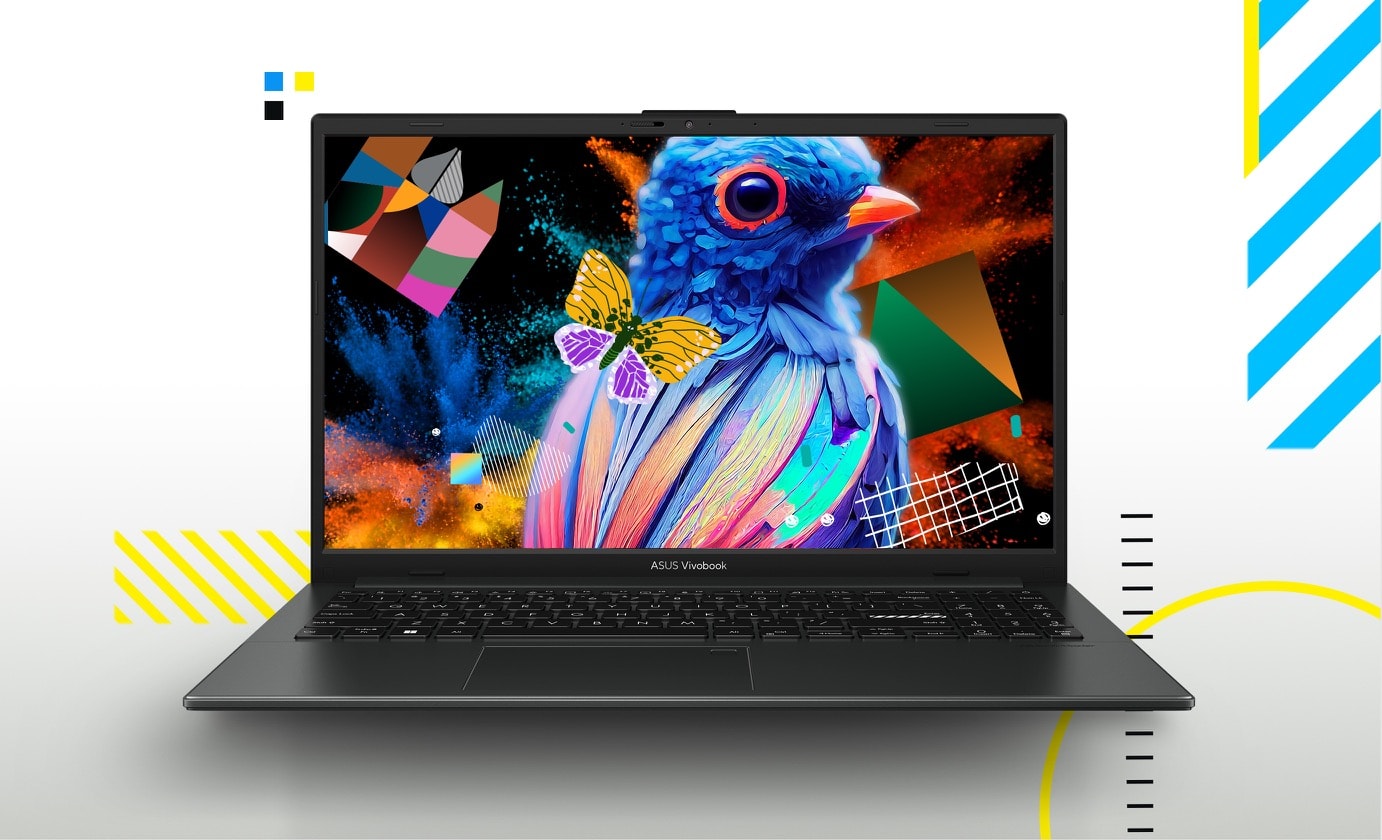
ASUS produces the best-calibrated displays in the budget segment. The VivoBook Go 15’s screen is brighter and more color-accurate than what you’d expect at this price — not a monitor replacement, but noticeably better than the Aspire 3 or IdeaPad for anything involving visuals.
The Ryzen 3 variant sits around ₱22,000–₱24,000 and covers basic use. Step up to the Ryzen 5 variant if the budget allows.
ASUS has strong after-sales support with service centers in major cities and most large malls.
Where it loses: The webcam is poor even by budget laptop standards. For heavy video calls, budget for an external webcam.
Bottom line: The best display under ₱30,000. If you consume a lot of content or work with visuals, the VivoBook Go 15 wins on screen quality.
4. HP Laptop 15 (AMD) — Most Available Nationwide
Price range: ₱23,000 – ₱29,000 Processor: AMD Ryzen 5 RAM: 8GB Storage: 512GB SSD Display: 15.6-inch 1080p
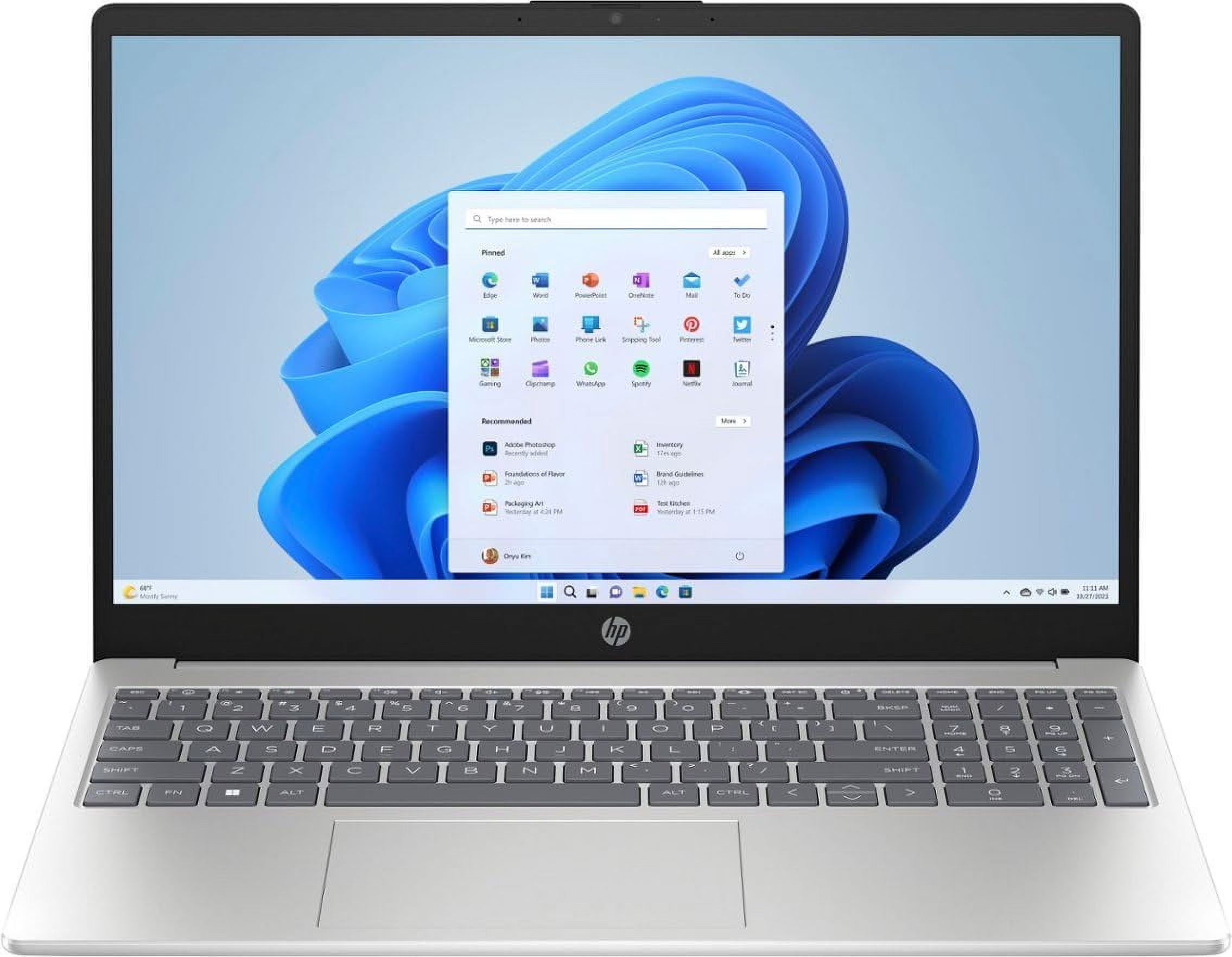
HP doesn’t lead on performance or display quality in this segment, but it leads on availability. HP laptops are stocked at SM, Robinsons, Abenson, and most provincial tech stores — which matters if you’re buying outside Metro Manila or need warranty service anywhere in the country.
Performance is comparable to the Aspire 3 in daily use, and HP’s recent build quality feels more premium than the price suggests.
Where it loses: Out-of-the-box bloatware is aggressive. Plan 30 minutes to uninstall unnecessary software before you start.
Bottom line: The most practical choice if you’re in the provinces or want the widest service network.
5. ASUS Chromebook Plus — Best for Light Users
Price range: ₱18,000 – ₱24,000 Processor: MediaTek or Intel Core i3 depending on variant RAM: 8GB Storage: 128GB eMMC + Google Drive Display: 14-inch 1080p
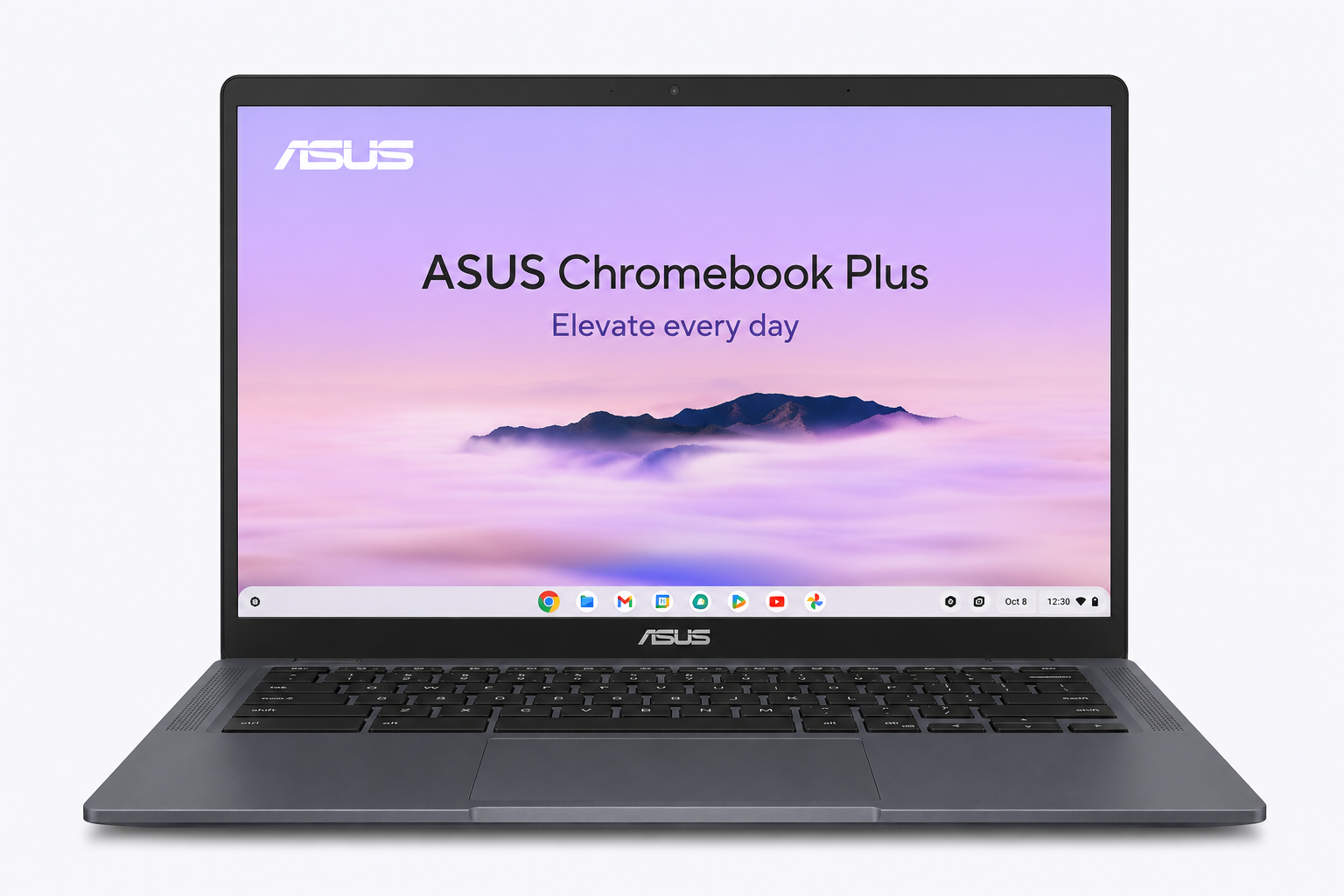
If your laptop use is confined to Google Docs, YouTube, online classes, and email, a Chromebook Plus covers all of it for less than any Windows laptop on this list.
ChromeOS boots in seconds, runs nothing unnecessary in the background, and holds performance for years without the slowdown Windows laptops accumulate. Battery life at 8–10 hours real-world is the best in this segment.
Where it loses: No Windows software, no offline Adobe apps, no gaming beyond browser or Android titles. If your school or work requires specific Windows programs, ChromeOS is a non-starter.
Bottom line: The right pick for students whose schools don’t mandate Windows software and who want the best battery life and lowest maintenance burden.
Quick Comparison
| Laptop | Price Range | Best For |
|---|---|---|
| Acer Aspire 3 (Ryzen 5) | ₱24K – ₱28K | Best all-rounder |
| Lenovo IdeaPad Slim 3 | ₱26K – ₱30K | Writers and students |
| ASUS VivoBook Go 15 | ₱22K – ₱27K | Display quality |
| HP Laptop 15 | ₱23K – ₱29K | Provincial buyers |
| ASUS Chromebook Plus | ₱18K – ₱24K | Light, basic use |
Where to Buy Octagon, PC Express, and Villman carry the most complete stocks and consistent pricing. For online purchases, use Shopee Mall official brand stores. Avoid non-official Shopee sellers for laptops — warranty claims get complicated without an authorized receipt.
Prices are estimates based on early 2026 Philippine retail. Confirm current pricing with retailers before purchasing.