Best Free AI Tools 2026: Which One Is Right for You?

There are more AI tools available right now than at any point in history — and most of them have a free tier. The problem isn’t access. The problem is knowing which one to actually open when you need to get something done.
Just So You Know ChatGPT is the #2 most-searched term on Google worldwide in 2026 — trailing only YouTube. More people are searching for it than Amazon, Facebook, or Google itself. AI tools are no longer niche.
This is a beginner’s guide to the tools worth knowing, what each one genuinely excels at, and where each one falls short.
ChatGPT (OpenAI)
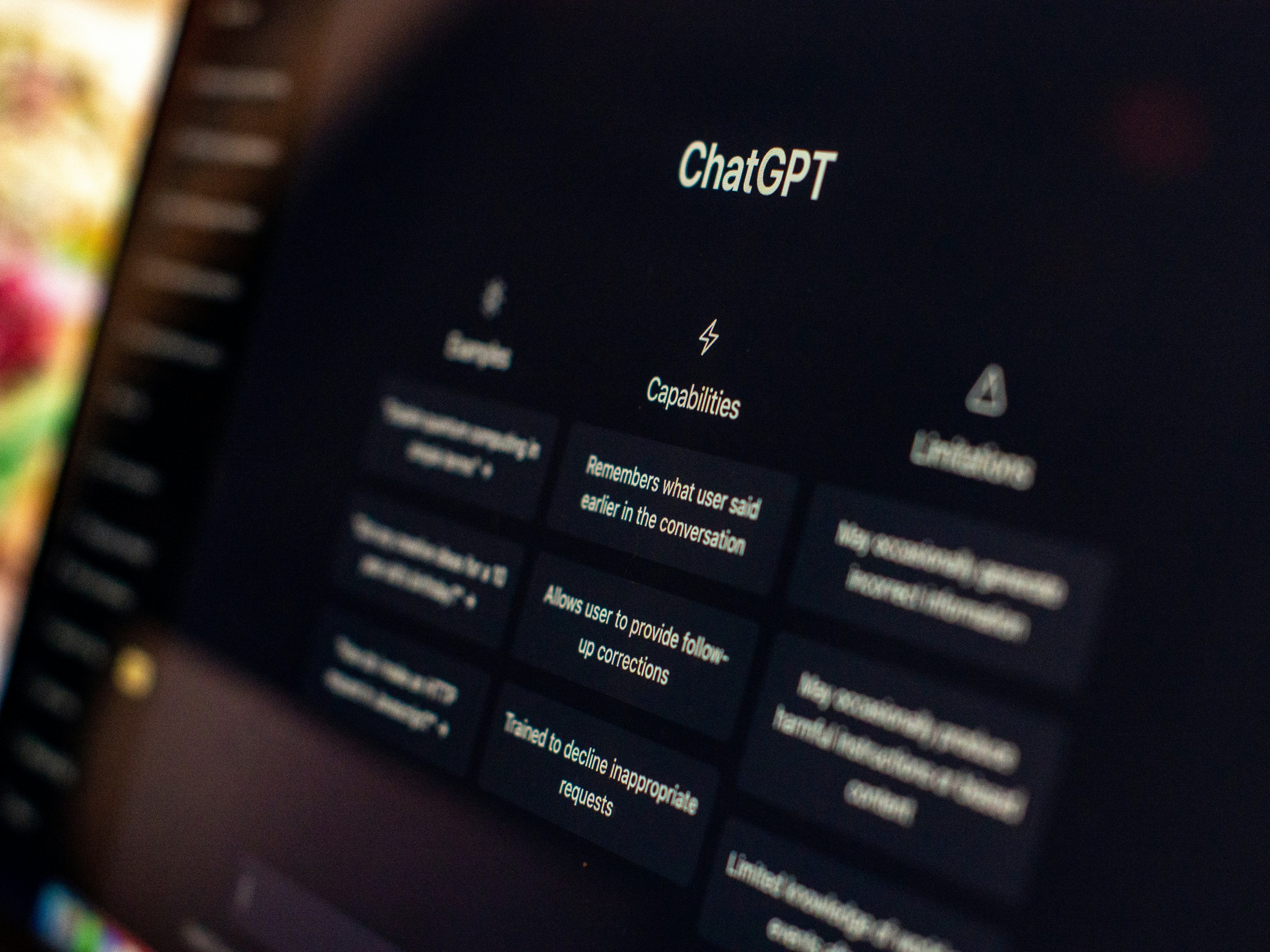
ChatGPT is still the most recognisable name in AI, and for good reason — it’s genuinely good at a wide range of tasks and the free tier (GPT-4o) is more capable than it was even a year ago.
Best for:
- Writing first drafts (emails, essays, cover letters, content)
- Explaining complex topics in simple terms
- Basic coding help and debugging
- Brainstorming and idea generation
Free tier limitations:
- Usage limits on GPT-4o; heavy users hit the cap and get bumped to an older model
- No persistent memory by default on the free plan
Verdict: The Swiss Army knife. If you only use one AI tool, this is the one.
Claude (Anthropic)
Claude is ChatGPT’s most capable competitor right now, and many people who use both consider Claude better for tasks that require careful reasoning, nuance, or working with long documents.
Best for:
- Reading and summarising long PDFs, reports, or research papers
- Tasks that require following detailed, multi-step instructions accurately
- Writing that sounds less robotic — Claude tends to produce more natural prose
- Ethical/sensitive topics where tone matters
Free tier limitations:
- Message limits on the free plan (Claude Pro removes these)
- No image generation
Verdict: The careful thinker. Better than ChatGPT for anything involving long documents or subtle reasoning.
Pro Tip If you’re writing something important — a formal email, a proposal, a cover letter — run your first draft through Claude and ask it to “make this sound more natural.” The difference is often immediate.
Gemini (Google)
Gemini is Google’s AI assistant, and its biggest advantage is obvious: it’s baked into Google Search, Gmail, and Docs if you use Google Workspace.
Best for:
- Research that benefits from real-time web access
- Summarising your emails or Google Docs
- Integration with Google tools you already use
- Getting answers that pull from current information (not a knowledge cutoff)
Free tier limitations:
- Less capable than ChatGPT or Claude for pure writing or reasoning tasks
- The Google integration is most useful if you’re already in the Google ecosystem
Verdict: The research assistant. Best when you need current information or you live inside Google’s apps.
Perplexity AI
Perplexity is not a chatbot in the traditional sense — it’s a search engine powered by AI. It answers questions with cited sources, making it much easier to verify where information comes from.
Best for:
- Research with citations — you can see exactly which websites it pulled from
- Quick factual lookups where accuracy matters
- Replacing Google for questions that need synthesised answers, not a list of links
- Staying current (it searches the live web)
Free tier limitations:
- Less useful for creative writing or coding — it’s built for research
- Pro searches are limited on the free tier
Verdict: The fact-checker. Use this when accuracy matters and you want to verify sources.
Canva AI (Magic Studio)
Canva’s AI suite — now called Magic Studio — is built into the design tool most people are already using for presentations, social media graphics, and documents.
Best for:
- Generating images for designs without leaving Canva
- Text-to-design: describe what you want, get a layout
- Removing backgrounds, expanding images, resizing content automatically
- Non-designers who need professional-looking output quickly
Free tier limitations:
- Magic Studio features are largely paywalled — the free tier gives you limited credits
- Image quality doesn’t match dedicated image generation tools
Verdict: The designer’s shortcut. If you’re already in Canva, the AI features save real time.
Notion AI
Notion AI is embedded directly into Notion’s workspace, making it useful specifically if you use Notion for notes, projects, or documentation.
Best for:
- Summarising long notes or meeting transcripts
- Writing first drafts of documents directly in your workspace
- Auto-filling databases and generating structured content
Free tier limitations:
- Notion AI requires an add-on even on paid Notion plans — it’s not free
- Only useful if you’re already a Notion user
Verdict: A genuine productivity multiplier if you’re already in Notion. Otherwise, skip it.
How to Actually Use These Tools Together
Most people try one, get mildly impressed, and stop there. The people who get the most out of AI tools treat them like specialists:
- Research a topic → Perplexity (cited sources, current info)
- Write or refine something → ChatGPT or Claude (Claude for longer, nuanced work)
- Create visuals → Canva AI (if you’re designing anyway)
- Google-integrated tasks → Gemini
The Mental Model That Changes Everything Stop thinking of AI as one tool. Think of it as a team: a researcher, a writer, a designer, and a search engine — each one best at a specific job. Once you start routing tasks to the right tool, your output per hour changes dramatically.
The One Honest Caveat
None of these tools replace judgment. They’re fast, often impressive, and sometimes wrong. Always verify facts that matter — especially for financial, medical, or legal questions. Think of them as a very smart research partner who occasionally hallucinates.
Used well, they’re among the most useful things a beginner can add to their toolkit right now. If you publish content, the SEO fundamentals guide for bloggers covers how to pair these tools with a search strategy that actually drives traffic.